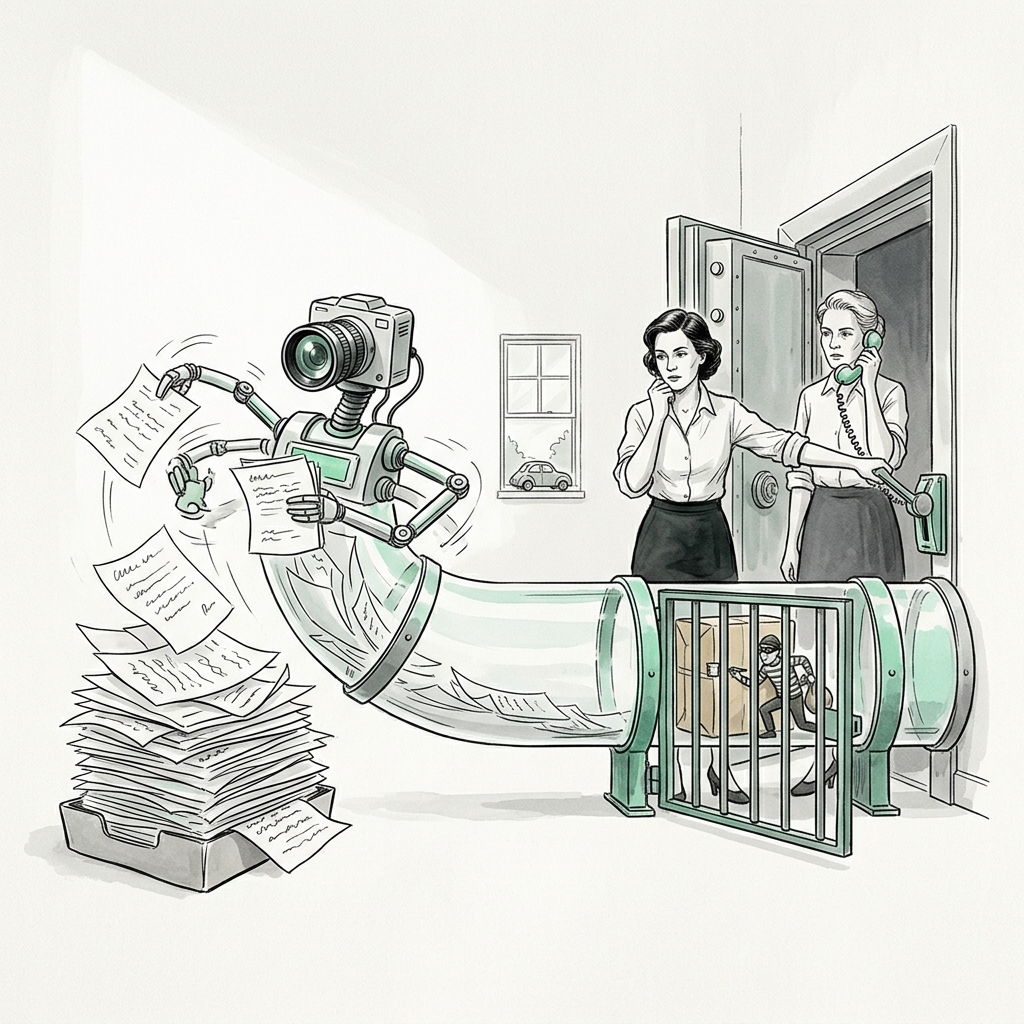
The FBI's Internet Crime Complaint Center put business email compromise losses at close to $2.8 billion in 2024, and nearly $8.5 billion across 2022 to 2024, according to Nacha's summary of the IC3 report. The usual shape of that fraud is simple: an email that looks like it came from a real vendor says the bank details changed, and someone in AP updates the record and pays. Hold that in mind while you read any pitch for "touchless" accounts payable. Speed in AP is good. Speed with no checks is how the fraud works.
This piece walks the path a bill takes from the AP inbox to the general ledger, and marks which steps AI handles well and which controls you keep no matter how good the extraction gets.
The pipeline, stage by stage
| Stage | What happens | AI role | Control to keep |
|---|---|---|---|
| 1. Capture | Bills arrive by email, upload, or mail scan | Auto-forward from one AP address; split multi-invoice PDFs | One intake address; no bills paid from personal inboxes |
| 2. Extract | Read vendor, invoice number, date, due date, lines, tax, total, remit-to | OCR plus an LLM to pull fields into structured data | Confidence score per field; low scores go to a person |
| 3. Validate | Vendor exists, totals add up, math is right | Rule checks, line totals vs header total | Unknown vendor = stop |
| 4. Duplicate check | Same invoice seen before? | Fuzzy match on vendor, number, amount, date | Block on match; a person releases |
| 5. Match | PO, receipt, and invoice agree | Line-level matching, variance flagging | Any variance over tolerance goes to the buyer |
| 6. Code | GL account, class, department | Suggest coding from vendor history | Spot-check new vendors and large bills |
| 7. Approve | Budget owner OKs the spend | Route to the right approver | Approval limits by dollar amount; no self-approval |
| 8. Post and pay | Bill posts to AP; payment scheduled | Schedule by due date and cash position | Bank-detail changes verified by call-back |
Extraction: what OCR and LLMs actually do well
Old-style OCR read characters and relied on templates, one per vendor layout. It broke every time a vendor redesigned its invoice. An LLM reading the OCR output (or the image directly) does not need a template: it can find "Invoice No." whether it sits top right or bottom left, and it can tell the remit-to address from the ship-to address. That is a real improvement, and it is why nearly every bookkeeping tool now sells some version of it. Xero includes Smart Document Capture on all three of its US plans. Booke.ai lists OCR for bills, invoices and receipts, smart document matching, and missing-document requests in its $129-a-month business plan. Puzzle's Complete plan lists categorizing from your inbox. Digits lists AI Bill Pay.
Where extraction still goes wrong:
- Line items on long invoices. Header fields are reliable. A 60-line distributor invoice with units, case packs and discounts is where fields shift by a row.
- Credits and negative lines. A minus sign in parentheses or a "CR" suffix gets read as a positive charge more often than you would like.
- Tax. Sales tax, excise, and freight lines get merged or split in ways that do not match how you book them.
- Handwritten and photographed bills. Field crews and small vendors still send these. Confidence drops; route them to a person.
The fix is a confidence threshold. Any field the model is unsure of goes to a review queue. Any bill where the line totals do not add up to the header total goes to a review queue. Tune the threshold so the queue is small enough that someone actually works it every day.
Duplicate checks
Duplicates come from three places: the vendor emails the same bill twice, the vendor sends a statement that gets read as a new bill, or the vendor re-sends a past-due copy with a new date. An exact match on invoice number catches the first. It misses the other two.
A useful duplicate check matches on vendor plus amount within a small window, plus a normalized invoice number (strip spaces, dashes, leading zeros, and "INV"). Flag any bill where two of the three agree. Block payment until a person looks. This is cheap to build and it pays for itself the first time it catches one.
Three-way match
Three-way matching compares the purchase order, the receiving report, and the supplier invoice before payment is approved. Sage describes it as "a control measure to ensure you're paying for goods or services that you actually received," and says that when the documents disagree, your team must investigate and resolve the issue before payment. The PO says what you agreed to buy and at what price. The receiving report says what showed up. The invoice says what the vendor wants.
Many small businesses do not issue POs for everything, and that is fine. Use three-way match for inventory and materials, two-way match (PO to invoice) for services with a contract, and approval-only for small recurring bills like software. Write down which bucket each vendor is in.
AI helps with the tedious part: lining up PO lines to invoice lines when the vendor uses different item names or splits a shipment across two bills. Set a tolerance (a small dollar amount or percentage you accept without review) and send everything over it to the person who placed the order. The model should flag the variance. It should not decide whether a price increase was agreed.
Approval controls you must keep
- Approval limits by amount. Bills under a set amount go to the budget owner. Bills over it also go to the owner or controller.
- No self-approval. The person who requested the spend does not approve the bill for it.
- Separate vendor setup from payment. The person who adds or edits a vendor's bank details should not be the person who releases payments. In a two-person shop, the owner releases payments.
- Call-back on bank changes. The FBI's guidance on business email compromise is to use secondary channels or two-factor authentication to verify requests to change account information. In practice: phone the vendor at a number you already had on file, never the number in the email asking for the change.
- New-vendor review. The first bill from any new vendor gets a human look, every time.
- Audit trail. Keep the original document, the extracted data, any edits, and who approved. If an AI tool cannot show you what it changed and when, do not let it post.
Xero says JAX will screen bills before payment and flag unusual amounts, changed bank details and unfamiliar suppliers. That is a good second line. It is still a second line. The call-back to a known number is the first.
A small-team setup
Start with one shared AP email address and turn on whatever document capture your ledger already includes. Set the duplicate rule and the new-vendor rule before you turn on any auto-posting. Run it for a month with a person reviewing every extracted bill, track how many fields they had to fix, and only then raise the confidence threshold for vendors whose bills come through clean. Keep the call-back rule forever.
Tie it to your close
AP intake feeds the close. Unprocessed bills at month-end become accruals, and duplicate bills become overstated expenses. The Month-End Close Checklist ($19) is a working Excel workbook with a day-by-day task list from day -3 to day +5, owners, status, a reconciliation tracker for the AP subledger and bank accounts, and an "AI can help" column.
If you would rather have this built than build it, Agor AI sets up AR, AP and close automations for small finance teams. See Agor AI. Start with the $250 AI Automation Audit, credited toward a build.
This is part of a weekly series on AI for finance and back-office work. Get it by email.
This article is educational and is not accounting, legal or tax advice. Talk to your CPA before changing how you close your books or file.
Sources
- Nacha: FBI's IC3 finds almost $8.5 billion lost to business email compromise in last three years (April 24, 2025)
- FBI IC3: Business Email Compromise
- Sage: Three-way matching in accounts payable
- Xero: New AI innovations at Xerocon London (July 2026)
- Xero: US pricing plans (checked October 20, 2026)
- Booke.ai: Pricing (checked October 20, 2026)
- Puzzle: Pricing (checked October 20, 2026)
- Digits: Pricing (checked October 20, 2026)