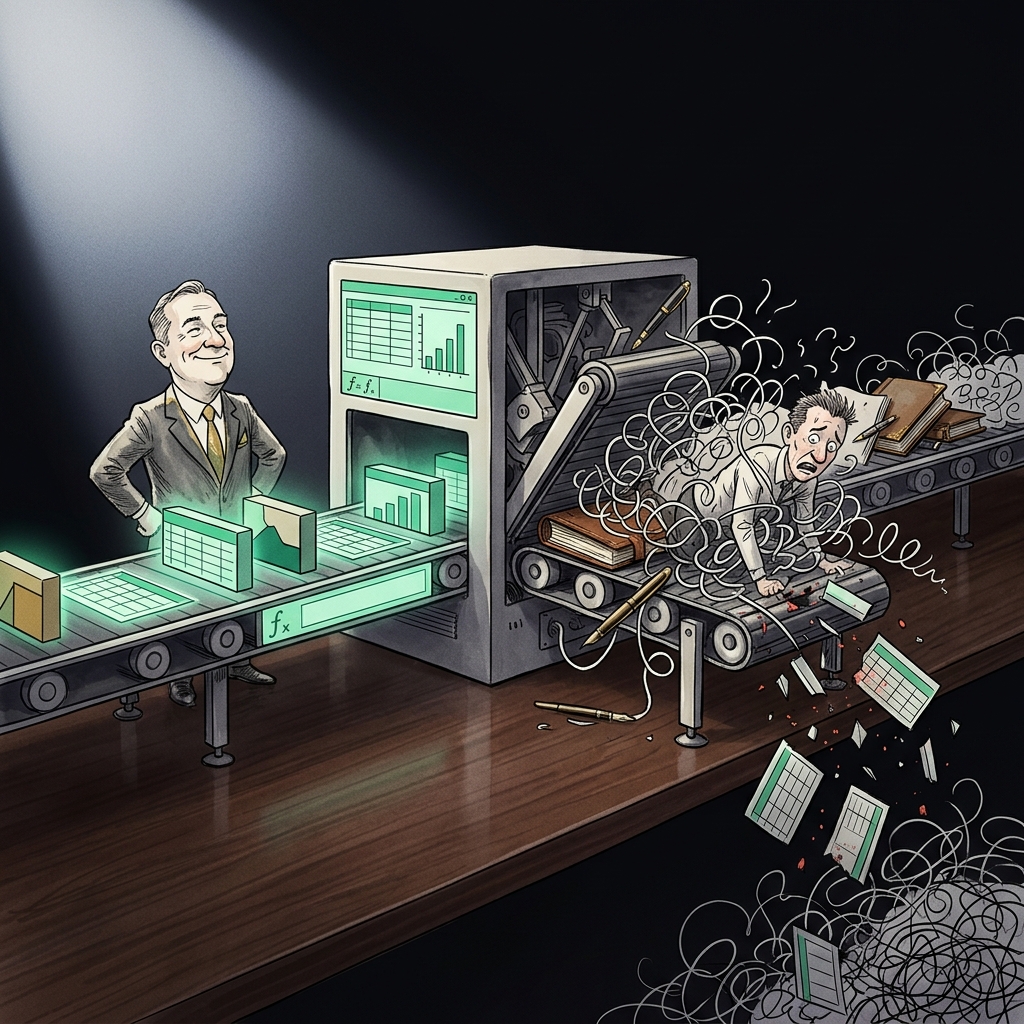
AI document processing handwriting recognition limits are the biggest source of hidden error in any workflow that touches paper forms. Public benchmarks in 2025 place Google Cloud Vision at 99.1% accuracy on printed English and 63.4% on cursive, a 35.7 point gap, while ABBYY reads hand-printed characters at 95.2% and cursive at 91.7% (Aimultiple, 2025). Any process that treats a cursive signature line or free-text field as machine-readable at print-level accuracy is quietly leaking data at rates between 30% and 40%.
Why AI document processing handwriting recognition limits collapse on cursive
Cursive removes character boundaries. In print, an "n" ends before an "o" begins and the OCR model sees two glyphs with white space between them. In cursive the same "n" flows into the "o" through a ligature, and the model has to solve segmentation and classification at the same time. That coupled decision is where accuracy falls apart, and it is the structural reason cursive fields track 35 to 40 points below print across every published benchmark.
The University of Bern's IAM handwriting database of 115,320 English words by 500 writers is the standard academic benchmark. Transformer-based line recognizers hit a 2.26% character error rate on clean IAM scans (arXiv, 2024), while older CNN-BiLSTM-CTC models sit around 12.95% CER and 42.47% word error rate on the same test set. Word error rate is what most business processes care about, because a single miscoded letter in a name, amount, or account number invalidates the whole field. Budget your accuracy in words, not characters. A 5% CER on a 12-character field puts the field roughly 45% likely to be wrong somewhere.
As a next step, before you approve any AI document pipeline, ask the vendor for both CER and field-level accuracy on cursive samples that match your form density. If they only quote character accuracy on printed English, you do not have a real benchmark.
The 40% gap in cursive benchmark numbers
The 2025 cross-tool benchmark from Aimultiple, run against a mixed cursive and print set, shows how wide the split is on the same underlying page:
- Google Cloud Vision: 99.1% on printed English, 63.4% on cursive. Gap: 35.7 points.
- AWS Textract: approximately 98% on printed text, approximately 70% on handwritten text. Gap: about 28 points.
- ABBYY FineReader: 95.2% hand-print, 91.7% cursive. Gap: 3.5 points, at the cost of much slower throughput.
- Adobe Acrobat: 88.6% hand-print, 79.3% cursive. Gap: 9.3 points.
- Readiris: 92.4% hand-print, 84.9% cursive. Gap: 7.5 points.
The frontier language models close the gap further. GPT-5, Gemini 3 Pro Preview, and the open olmOCR-2-7B model score highest on semantic similarity when transcribing cursive, and a 2024 study from a research team publishing on arXiv reported that large language models cut Character Error Rate on historical handwritten documents to 5.7% to 7% and Word Error Rate to 8.9% to 15.9%, a 14% and 32% improvement over specialist HTR software including Transkribus.
Transkribus, the platform behind most European archival digitization, quotes a typical CER of 5% to 10% out of the box, and 3% to 5% on well-preserved documents. When trained on a specific individual's handwriting it hits word-level accuracy between 85% and 95% (Transkribus, 2025). The lesson is that per-writer training beats every generic model, and any workflow that expects one model to read every writer's hand at 95%+ is buying a promise the technology does not deliver.
As a next step, if you already know 80% of your forms come from fewer than 20 recurring signers (loan officers, field agents, warehouse leads), pay for a per-writer fine-tune. It is cheaper than the downstream rework.
Where cursive fields quietly break financial and operational workflows
The IRS has published the clearest large-scale evidence. During the 2025 filing season, the accuracy rate for all scanned paper returns was over 87%, down from over 92% during 2024, according to the Taxpayer Advocate Service Fiscal Year 2026 Objectives Report to Congress. About 22% of transcribed returns contained data transcription errors. The report explicitly names nonstandard paper submissions, including handwritten returns, as a continuing drag on paper flows.
Put those numbers next to a mortgage or private credit workflow. On the RealDocBench field-level QA benchmark, AWS Textract bottomed out at 47% per-field accuracy and 43% per-question accuracy on medical records, and performed similarly weakly on regulated financial documents (arXiv 2606.07401). A 47% per-field accuracy means half the fields need human review, which erases most of the labor savings that justified the AI in the first place.
The commercial workflows where cursive limits show up as real losses:
- KYC and onboarding. Signature blocks, handwritten date of birth, and address fields on scanned ID documents miscode 25% to 40% of the time on frontier OCR, forcing manual review queues that cost $2 to $6 per document.
- Invoice capture. Handwritten purchase order numbers on delivery notes and countersigned invoices fail at roughly 30% on general OCR. Most AP automation vendors quote print accuracy in their marketing materials.
- Insurance claims. Handwritten narratives in a claims form are typically transcribed at 60% to 75% word accuracy, which means an adjuster still has to read them.
- Field service reports. Signature and cursive comment fields on paper work orders drop below 65% accuracy, which is why most field service platforms have moved to typed capture on a tablet.
- Legal discovery. Marginalia and handwritten annotations on scanned contracts fall into the 5% to 10% CER band even on the best HTR engines, which is significant when a single misread word can change a contractual meaning.
As a next step, run a two-week audit of the fields your AI pipeline routes to human review. If more than 15% of the fields with a "low confidence" flag come from the same physical zones on the same form (the signature block, the free-text comment box, the date-of-birth line), redesign the form before you retrain the model.
How to design forms and pipelines to survive the accuracy gap
The cheapest accuracy gain is on the form itself, not on the model. Every increment of print structure you can build into the input closes the cursive gap without touching the OCR stack.
- Comb boxes for numeric fields. One box per digit, ruled and spaced. Field-level accuracy on hand-printed digits inside comb boxes runs at 97% to 99% on Google Cloud Vision, near parity with typed input.
- Explicit "print, do not join letters" instructions next to every free-text field. Field-level accuracy on hand-print typically sits 20 to 30 points above cursive on the same model.
- Constrained answer sets. Replace a free-text "Reason for claim" with a bounded checkbox list. A checkbox is a 0.99 confidence read on any decent OCR.
- 150 DPI minimum on scans. AWS explicitly recommends 150 DPI as a lower bound for Textract; anything below that costs 5 to 15 accuracy points on printed text and more on cursive.
- A confidence-threshold routing rule. Route anything under 0.90 confidence on cursive fields to a human, and anything under 0.75 on any field to a human. Vision confidence is calibrated on training data, so a 0.75 real-world confidence is a 15% or higher risk of a wrong field.
- Separate signature capture from data capture. Do not ask a signature field to also encode a printed name; put a printed-name comb box next to it.
As a next step, pull your top three highest-volume paper forms, identify every free-text and cursive-permitting field, and cost out a form redesign against three months of current human-review spend. The redesign usually pays back inside a quarter.
A step by step pipeline for reading handwriting at production accuracy
- Segment before you read. Run a document classifier on the whole page first, then crop each field into its own image. Field-level accuracy on cropped comb boxes is 10 to 20 points higher than page-level accuracy on the same fields, because the model is no longer solving layout at the same time.
- Choose the model by field type. Google Document AI or AWS Textract for printed structured data, an LLM (GPT-5 or Gemini 3 Pro) for cursive free text, and a fine-tuned Transkribus model for recurring writers with high volumes.
- Enforce a confidence gate. Every field carries a numeric confidence. Never write to the system of record without a threshold check.
- Two-model consensus on cursive fields. Send high-risk cursive to two different models and only auto-post the field when both agree character for character. Disagreement routes to human review. On the RealDocBench figures, consensus routing recovers 8 to 12 points of effective accuracy against a single-model baseline.
- Log every override for retraining. A cursive field that a human corrected is training data. Feed corrected samples back into your model, or your vendor's fine-tuning endpoint, on a monthly cadence.
- Report field-level accuracy weekly, not character accuracy. Character error rate is a research metric. Field-level accuracy and per-form pass rate are what the business cares about, and they are what will show you the cursive gap growing when a new batch of writers comes into the pipeline.
As a next step, build the confidence-threshold logic in the first sprint, not the last. Every hour spent tightening a threshold pays back three hours of downstream manual QA.
What to buy, and what to build in-house
General guidance for a mid-market operations team that processes 5,000 to 500,000 paper documents a month:
- Under 10,000 documents per month with high cursive density: use a hosted service (Google Document AI or AWS Textract) with a human-in-the-loop platform on top. Build costs will exceed vendor costs at this volume.
- 10,000 to 100,000 documents per month with a stable set of writers: hosted service plus a per-writer fine-tuned Transkribus model for the top signers, and a home-grown confidence router. Payback on the fine-tune usually hits inside 60 days.
- Over 100,000 documents per month or regulatory constraints on data residency: on-prem HTR (olmOCR, a fine-tuned Idefics-class model) with a private LLM fallback for cursive free text. This is the only tier where in-house build reliably beats vendor economics.
Every tier benefits from a spreadsheet model that tracks per-field accuracy, human-review cost per document, and the marginal cost of the next accuracy point. If you do not have one, an Excel template with those three columns and a chart of monthly trend is the cheapest control tower you will build this year. If your team wants a ready-made version, ModelStack's operations and finance template library includes an accuracy-vs-cost tracker built for exactly this workflow, with an example calculation and a free download of the SOP that goes with it.
The 40% gap between print and cursive is a structural property of handwritten input, and every model, from ABBYY to GPT-5, hits a version of the same wall. The teams that win are the ones that stop expecting the model to solve it and instead redesign the form, gate the confidence, and route the residual to a human. A well-built pipeline with an accuracy tracker turns handwriting recognition from an invisible tax on the P&L into a measurable line item you can improve every quarter.
Sources
- Aimultiple, Handwriting Recognition Benchmark with 14 LLMs & OCRs, 2025
- Aimultiple, OCR Benchmark: Text Extraction / Capture Accuracy, 2025
- Taxpayer Advocate Service, Fiscal Year 2026 Objectives Report to Congress, June 2025
- Amazon Web Services, Amazon Textract FAQs, 2025
- Transkribus, What is Handwritten Text Recognition (HTR), 2025
- Reading the Archives: LLMs Achieve the Highest Measured Accuracy on Handwritten Historical Documents, arXiv 2411.03340, 2024
- RealDocBench: Field-Level QA and Layout Understanding on Real-World Regulated Documents, arXiv 2606.07401, 2026
- International Journal of Digital Humanities, Assessing Advanced HTR Engines for Historical Documents, Springer 2025
Related: Browse all AI Workflow Templates on ModelStack.
Get started with a free template
Download our free Unit Economics Calculator — no signup required.